Mac OS
Edit hidden files with TextEdit
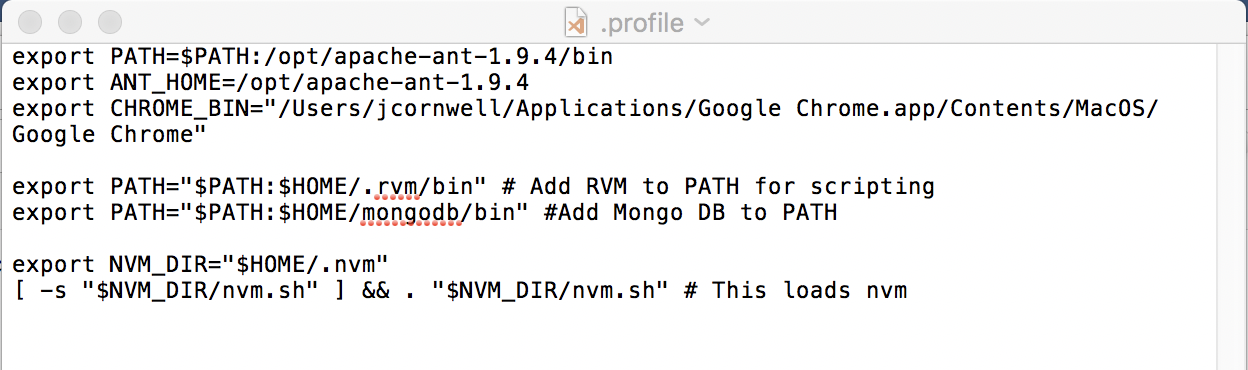
Hidden files on OS X are denoted with a “.” (e.g. .profile, .bash_profile). In these examples, the “~” character indicates the user’s home directory. You can open and edit these files using the TextEdit application.
Open .profile
- Command: open ~/.profile
- Command to open with specific application: open -a TextEdit ~/.profile
Open .bash_profile
- Command: open ~/.bash_profile
- Command to open with specific application: open -a TextEdit ~/.bash_profile
Hide/Show Hidden files
From a directory in Finder, press CMD + SHIFT + . to toggle the display of hidden files