Setup
Install Python
Python Beginners Guide/Download
Windows Setup
-
Run the Windows installer.
-
Add python to the Windows OS PATH environment variable.
There is an option to do this from the installer or you can edit the environment variable manually.
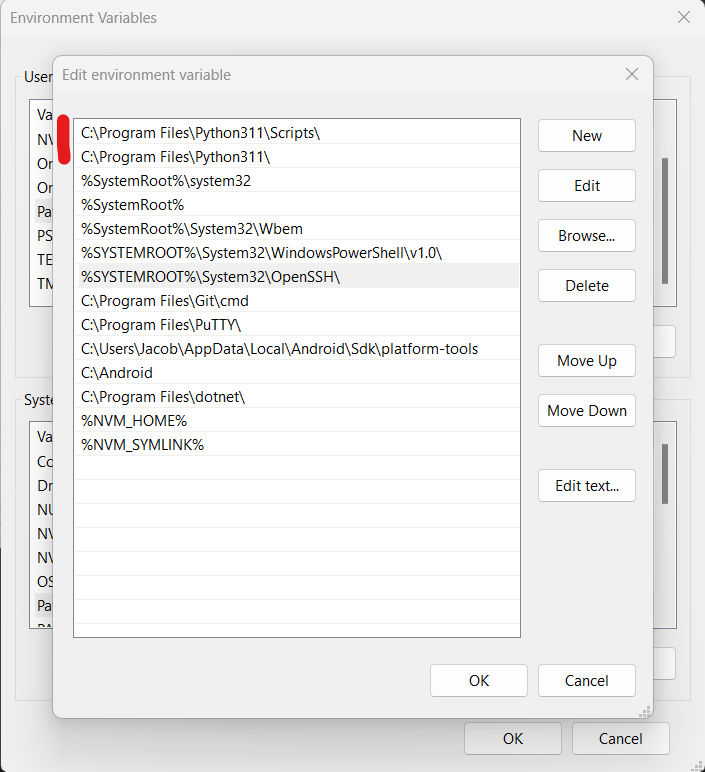
- Check the installed version.
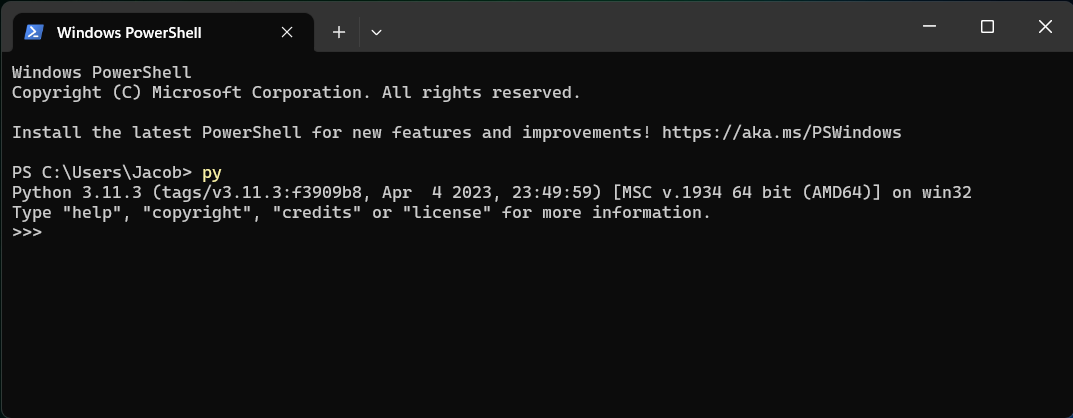
You can check that python is available from the command line by running the py command in Windows PowerShell.
Install Anaconda
Anaconda is a distribution of the Python and R programming languages for scientific computing (data science, machine learning applications, large-scale data processing, predictive analytics, etc.), that aims to simplify package management and deployment.
Create Virtual Environments Using Anaconda
The virtual environment will be used to isolate packages that a script imports.
List packages for current virtual environment
conda list
Create a new virtual environment based on info in a YAML file
The environment.yaml file lists information such as the environment name and specific packages.
environment.yaml
name: some-env-name
channels:
- defaults
dependencies:
- pandas=1.5.3
- pillow=9.3.0
- python=3.11.3
conda env create -f environment.yaml
List the available environments
The active environment will have an asterisk (*) and the default environment is named 'base'.
conda env list
Activate the environment
Note that some-env-name is the environment name specified in the environment.yaml file above.
conda activate some-env-name
Deactivate the active virtual environment
Deactivate virtual environments once you are done with them.
conda deactivate
Integrated Development Environments (IDEs)
The following software can be used to write and/or execute python scripts.
Spyder (Also comes with Anaconda)
IDLE is Python’s Integrated Development and Learning Environment and is included as part of the python Windows installer.
VSCode Extensions
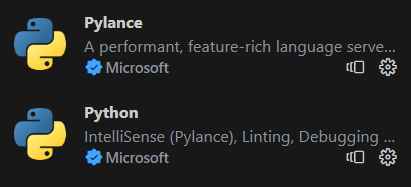
Here are a few python-related extensions:
Python (ms-python.python)
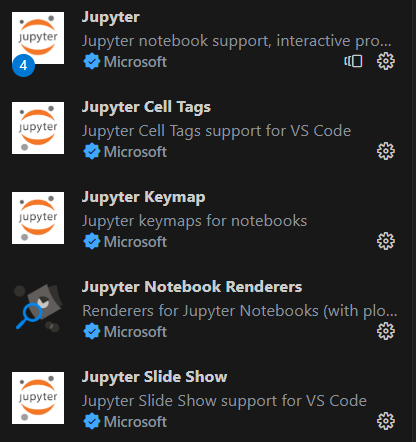
Jupyter extension pack (ms-toolsai.jupyter)